


Document generation

Your company's Word templates, filled in automatically, saved as PDF

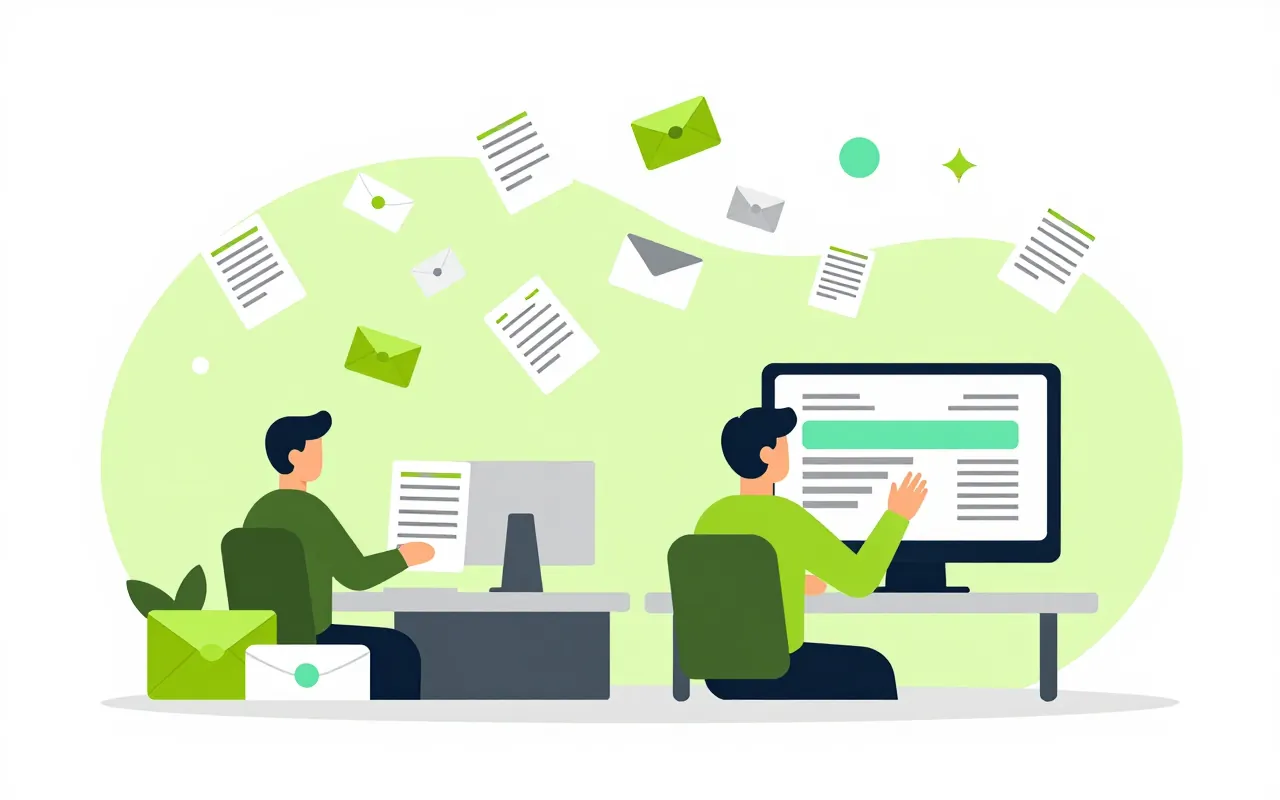
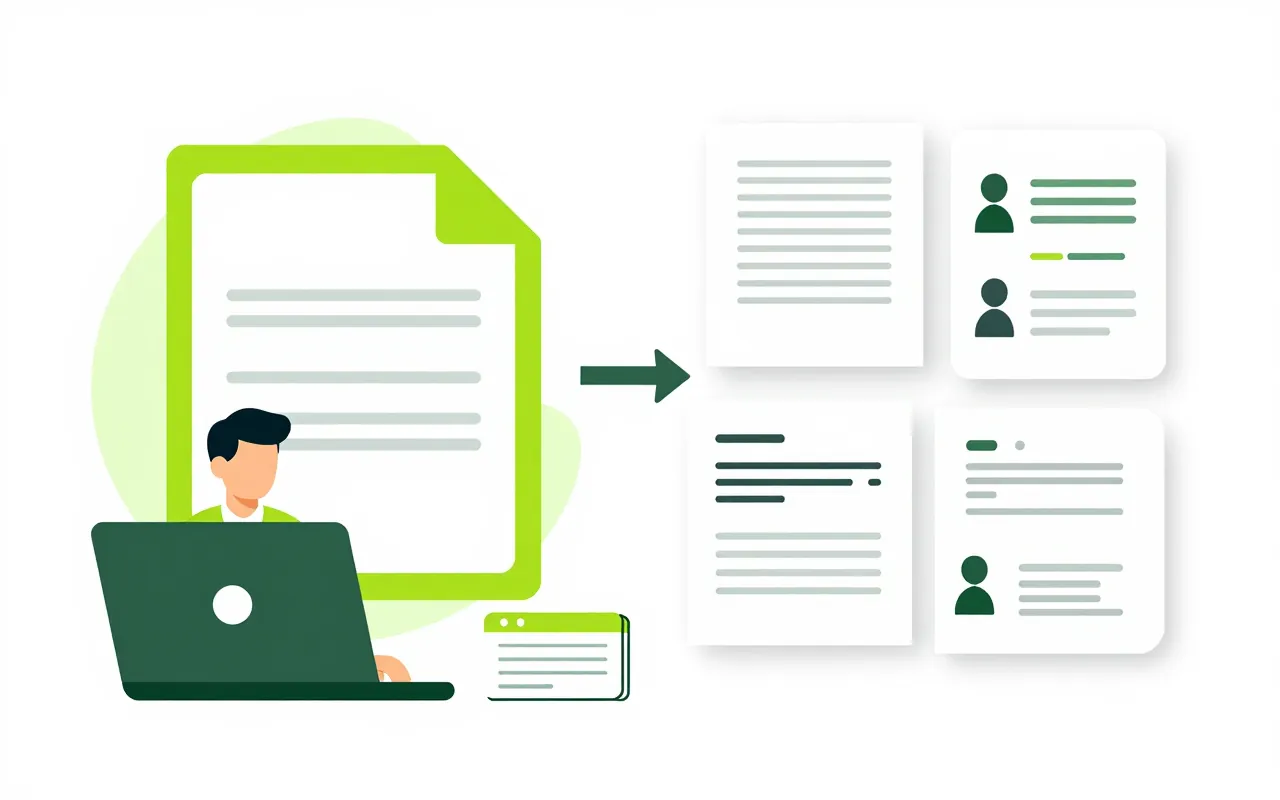
Labour contracts, decisions, payslips and training certificates each have the company's own template. You write the template in Word as usual and upload it, and each app fills in names, amounts and dates from the data it already holds. Nobody copies cells from Excel into Word any more.

  • Templates written in plain Word
  • Amounts spelled out in words
  • A month of payslips in one run

Use the Word templates you already have

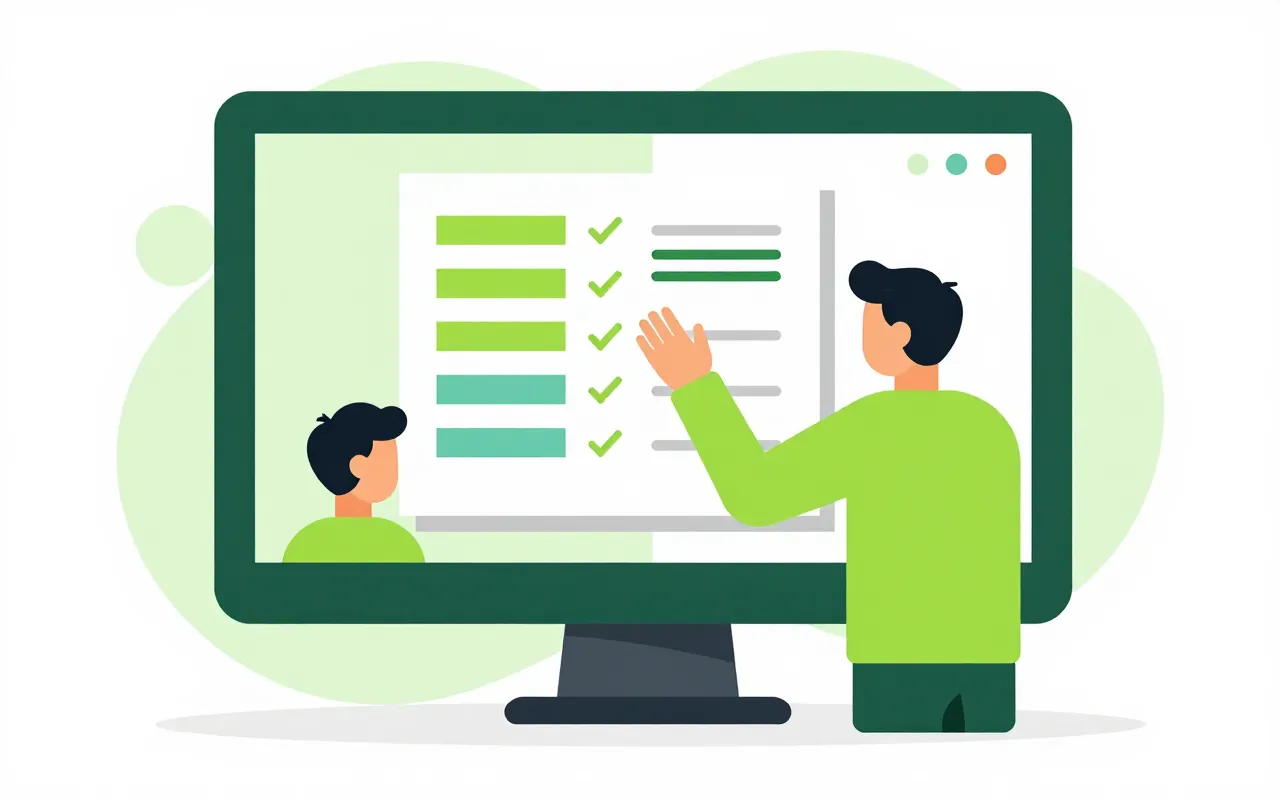
The admin team opens the contract template they use today, inserts placeholders for name, job title and salary, and uploads it. The system checks the template, points out misspelled fields and lists every field that may be used. Templates are published only after they pass.

  • Templates checked before use
  • Default templates the company can override
  • Shared clauses reused across templates
Print from a record, formatted the Vietnamese way

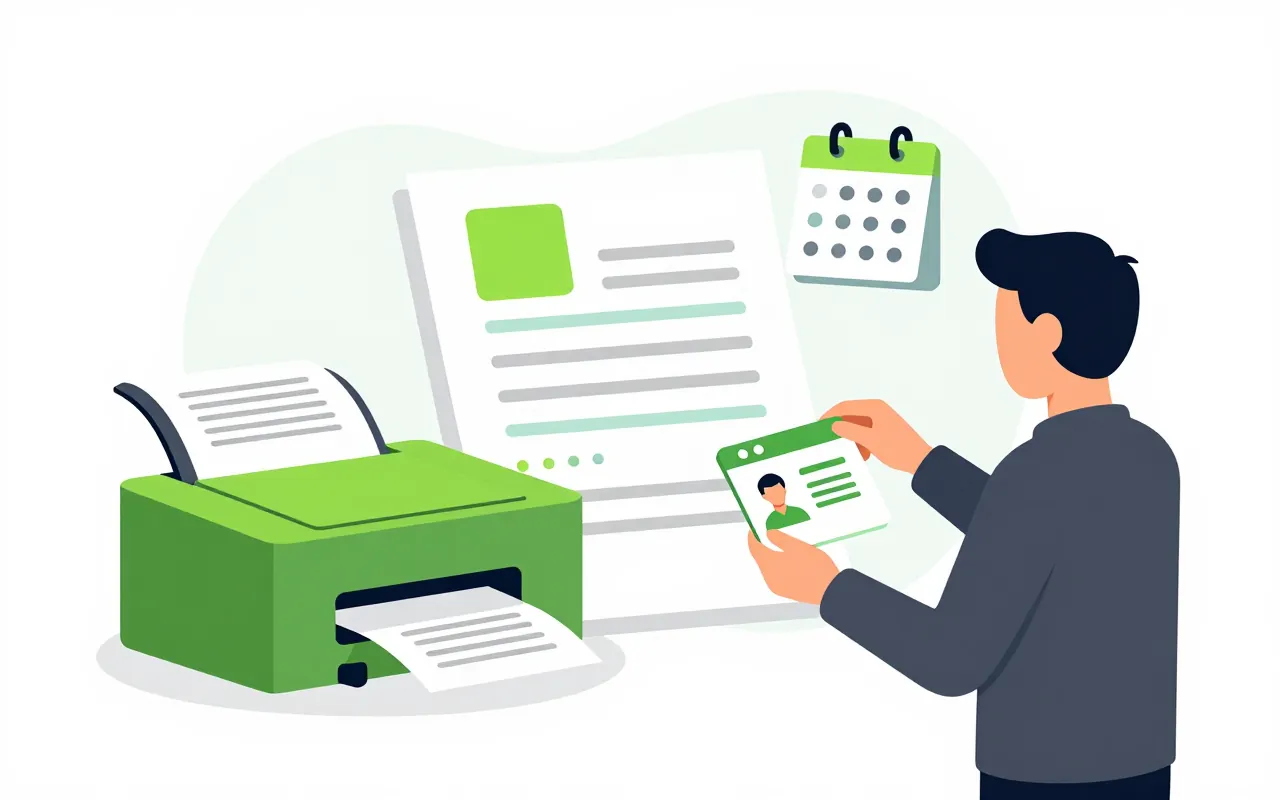
From an employee record, printing the labour contract produces a filled PDF. Dates and amounts follow Vietnamese conventions, and amounts are written out in words. Bilingual Vietnamese and English templates serve foreign staff.

  • Amounts in words, automatically
  • Vietnamese and English templates
  • PDF or PDF/A for archiving

Hundreds of documents in one run

Payroll produces payslips for the whole company in a single run and watches progress on screen. The same works for course certificates or bulk notices. A step in an approval process can also generate its document when it is reached.

  • Batch payslips
  • Documents generated inside process steps
  • Generation log that never stores content

Documents ready for signature

Mark signature positions in the Word template, and the PDF output tells the signing step exactly where each party signs. Templates can include images, QR codes, checkboxes, formatted text and annexes, with the company's logo and colours.

  • Signature positions set in the template
  • Images, QR codes and annexes
  • Company logo and branding
Do we need to learn a new template editor?

No. Templates are written in Microsoft Word or LibreOffice using field names from the reference list, then uploaded. The system reports any mistakes straight away.

Which apps use document generation?

HR, payroll, e-contracts, correspondence, training, processes and several others. Each app declares its document types and the data fields they can use.

Can we replace a built-in template with our own?

Each document type ships with a default template, and the company uploads its own to replace it. A new template takes effect once published, and documents already produced stay as they were.

Book a demo

Leave your details and we will call you within one working day to set a time. The demo takes about 30 minutes and focuses on the departments you care about.

  • A demo on your own processes
  • Advice on cloud or your own servers
  • A quote based on your user count

Or email us: [email protected]

Fields marked * are required.