


Z Data

Your company's own data, designed and loaded without writing SQL

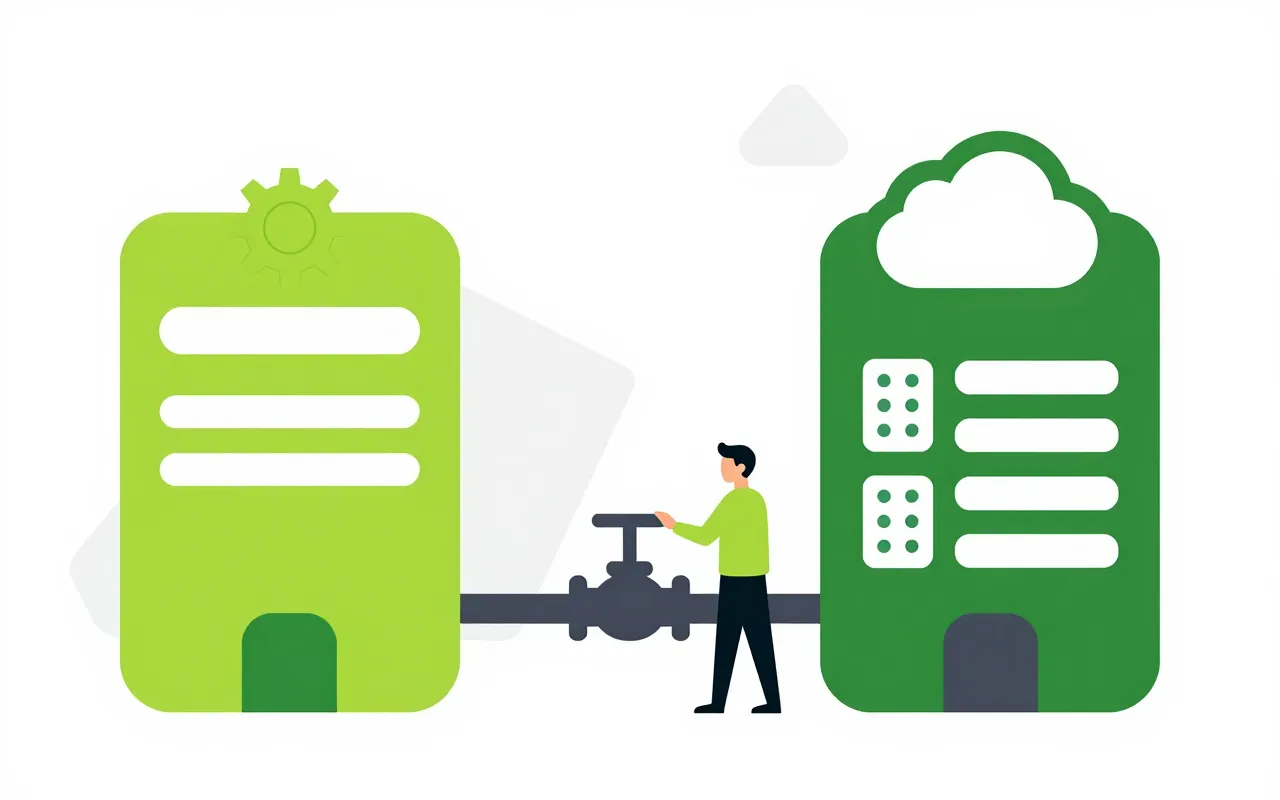
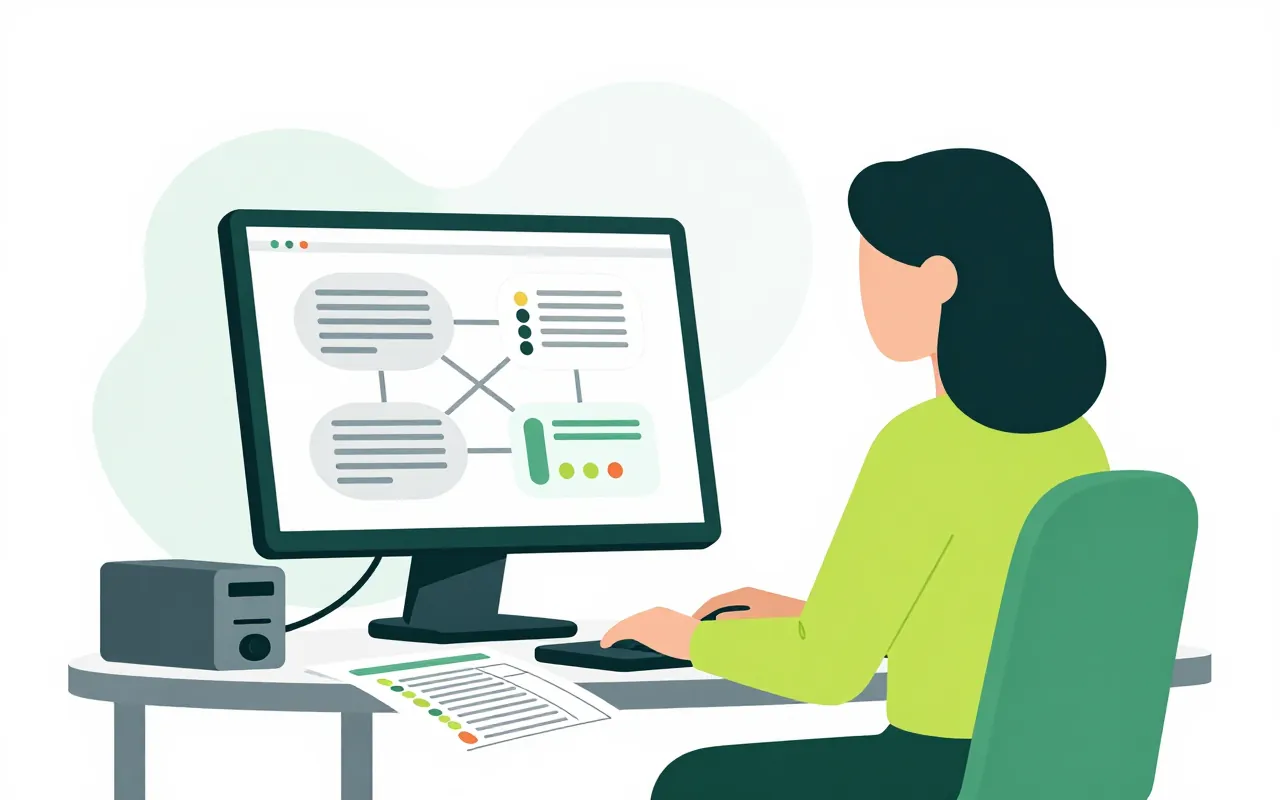
Supplier lists, material price lists, branch lists or data from an old accounting system can all live in Z Data. The person in charge creates tables on screen, uploads Excel files or connects other systems. Forms in your processes then let people pick from that data instead of typing it.

  • Design tables on screen, no SQL
  • Load Excel, CSV, XML, JSON and APIs
  • Form dropdowns that filter each other

Tables and datasets built on screen

Purchasing creates a Suppliers table with tax code, address and product group. Each column has a clear type, and business keys cannot repeat. A dataset is a filter or join assembled from pickers, with no query to write.

  • Typed columns, unique keys, formula columns
  • Accent-free search finds Vietnamese names
  • Grid view, filters, CSV or Excel export
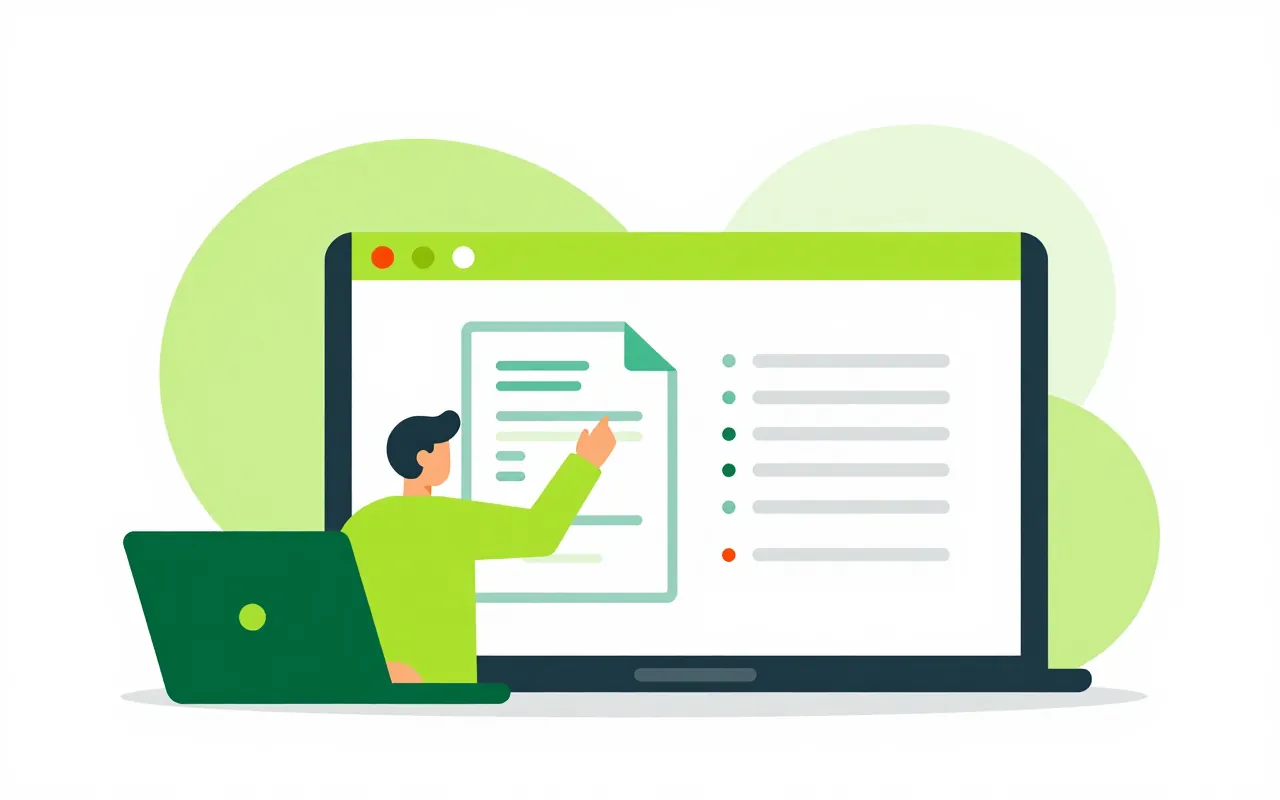
Load a file, preview it, see which rows failed

An accountant uploads a price list in Excel. The system samples it, infers column types, lets you map columns to fields and previews before running. One nested record can be split across several linked tables. After each load, every rejected row is listed with its number and the reason.

  • Excel, CSV, XML, JSON
  • Map columns and preview before running
  • Each rejected row with its reason

Connect other software and Ziro modules

A company running its own accounting package or ERP can pull data over its API, including the login-for-a-token style many local products use. Runs can be scheduled. Connection secrets are encrypted and never shown again. Data from Ziro modules can be read live, without copying it.

  • Several API authentication styles
  • Scheduled runs with a history of each run
  • Read Ziro module data without copying

Form dropdowns fed by Z Data

On a purchase request, the requester picks a product group and the supplier dropdown narrows to suppliers in that group. On submit the choice is checked again with the same filter, so a supplier that was just dropped cannot slip through. Processes can also write results back to Z Data once a request is approved.

  • Dependent dropdowns driven by filters
  • Selections re-checked on submit
  • Processes add or update rows on approval
Who can edit rows directly in the grid?

Nobody, by default. Data changes through file loads, connections or processes. Hand edits in the grid need a separate permission, and every change records its source.

Is connecting to internal servers safe?

By default Z Data refuses to call private and special addresses. An on-premises installation can allow specific network ranges. Credentials are write-only and cannot be read back.

Do I need to know SQL?

No. Tables, datasets, dropdowns and loading flows are all built on screen. The system does not accept SQL or GraphQL from users.

Book a demo

Leave your details and we will call you within one working day to set a time. The demo takes about 30 minutes and focuses on the departments you care about.

  • A demo on your own processes
  • Advice on cloud or your own servers
  • A quote based on your user count

Or email us: [email protected]

Fields marked * are required.