



Meetings & calls

Video meetings and quick calls in the same software

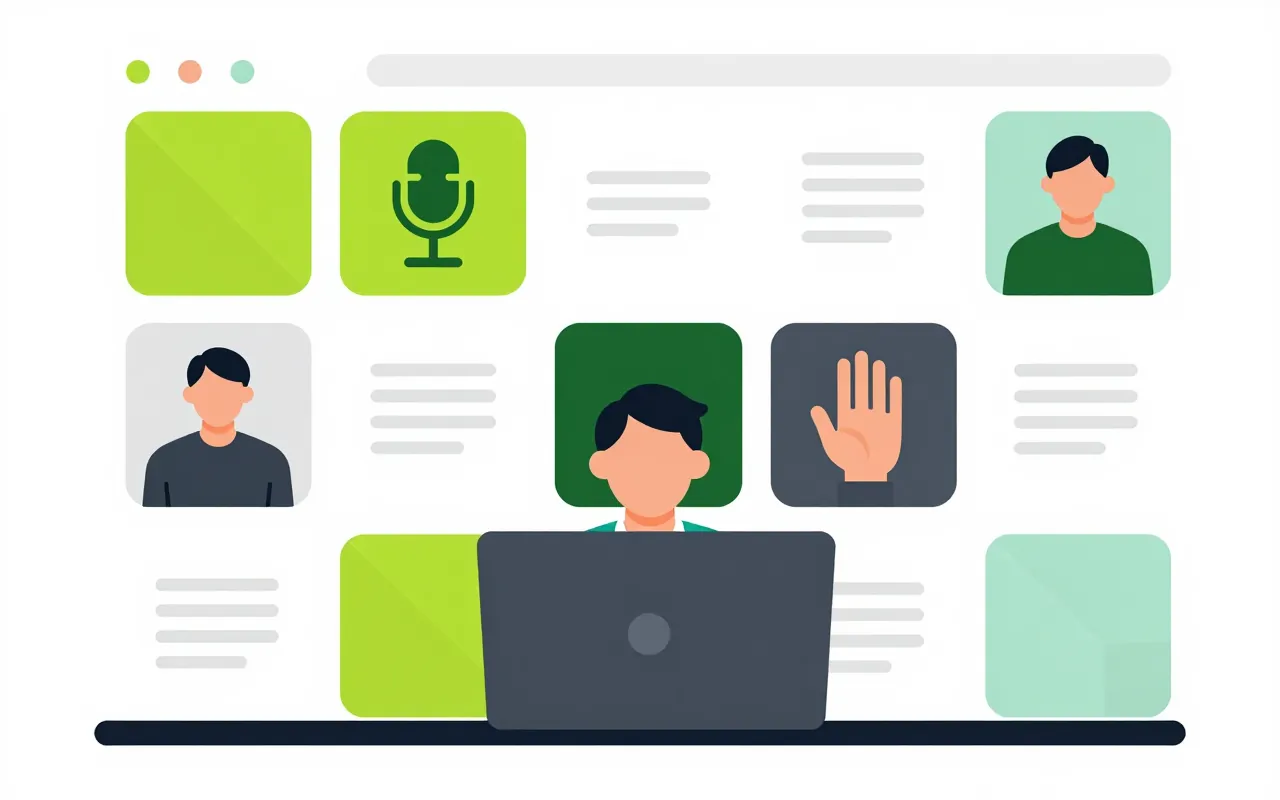
Press call in the middle of a conversation, or let the whole channel jump into a huddle. Scheduled meetings have a lobby and a host in charge. Outside guests join from a link without creating an account.

  • Call one person or a whole channel
  • Guests join from a link
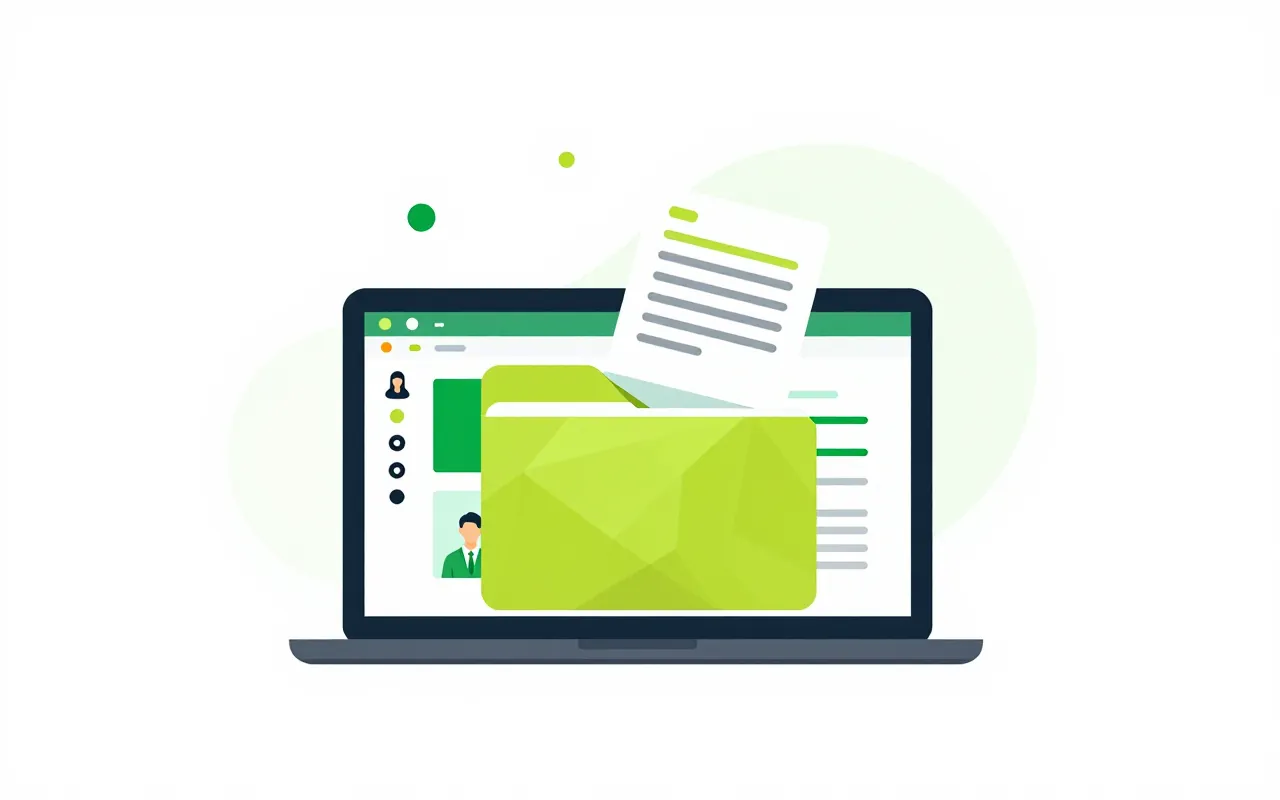
  • Recordings saved to your documents

Call from the conversation

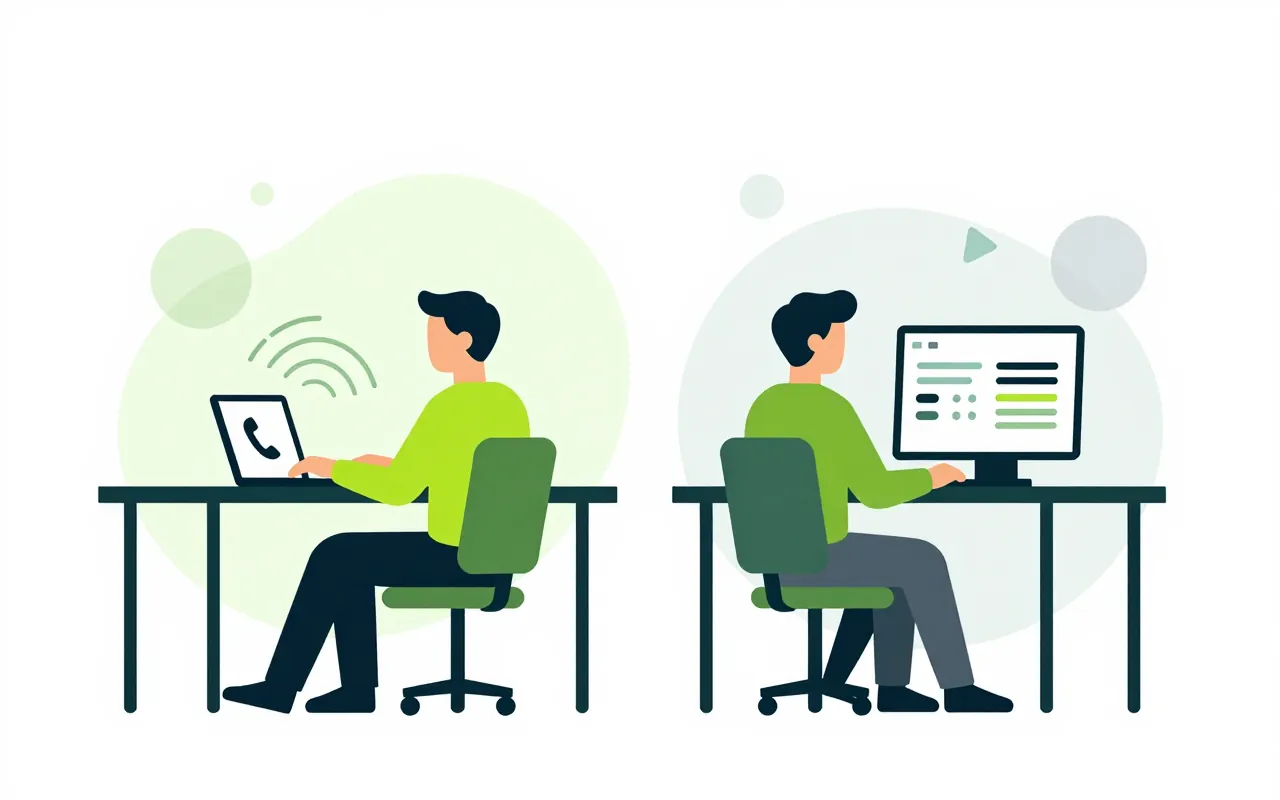
An accountant chatting with their manager presses call to sort it out faster. A project channel opens a huddle and whoever is free joins. Incoming calls show up even when you are in another app.

  • Two people calling at once get one call
  • Drop out and rejoin the same call
Scheduled meetings and guests

Set up the weekly briefing, invite colleagues and send a link to a partner. Guests wait in the lobby until the host lets them in. The link can be revoked at any time.

  • Weekly or monthly recurring meetings
  • Guest links shown once, when created
  • Room bookings can add an online meeting

The host stays in control

The host can mute someone, remove them, lock the room or end it for everyone. Screen sharing can be limited to hosts. When the host leaves, the role passes to the next person.

  • Muted people can unmute themselves
  • Hand the host role to someone else

Recording and usage reports

When recording starts, everyone in the meeting sees the indicator. The file goes to the document store within your storage quota. Administrators see call history, connection quality and minutes used.

  • Every recording is logged
  • Call quality reports
Do guests have to install anything?

No. They open the link in a browser, wait in the lobby and join when the host admits them.

Is there a transcript or meeting summary?

Not yet. Meetings can be recorded to your document store. Transcripts and automatic minutes are not available.

How does video work on premises?

An on-premises install needs the media server that ships with the package. We help you set it up during deployment.

Book a demo

Leave your details and we will call you within one working day to set a time. The demo takes about 30 minutes and focuses on the departments you care about.

  • A demo on your own processes
  • Advice on cloud or your own servers
  • A quote based on your user count

Or email us: [email protected]

Fields marked * are required.